Atreus build part 5: Adding external access to the reset pin
This post belongs to the Atreus build series, which was introduced by Onward with the Atreus keyboard.
The advantage of building your own mechanical keyboard is that you get to choose the software to run on it. The problem is that you need to place the controller in “flashing mode” to do just that.
I learnt my mistake and decided to give myself an easier time to play with the keyboard software and give me better access to the reset pin of the Pro Micro.
I am simply going to expose the upper part of two pins from a plain old header bar which I will solder to the reset and ground pins of the Pro Micro. Then I simply have to short these pins to “hold” reset. A small screwdriver will provide conductivity and reach whenever the need arises.
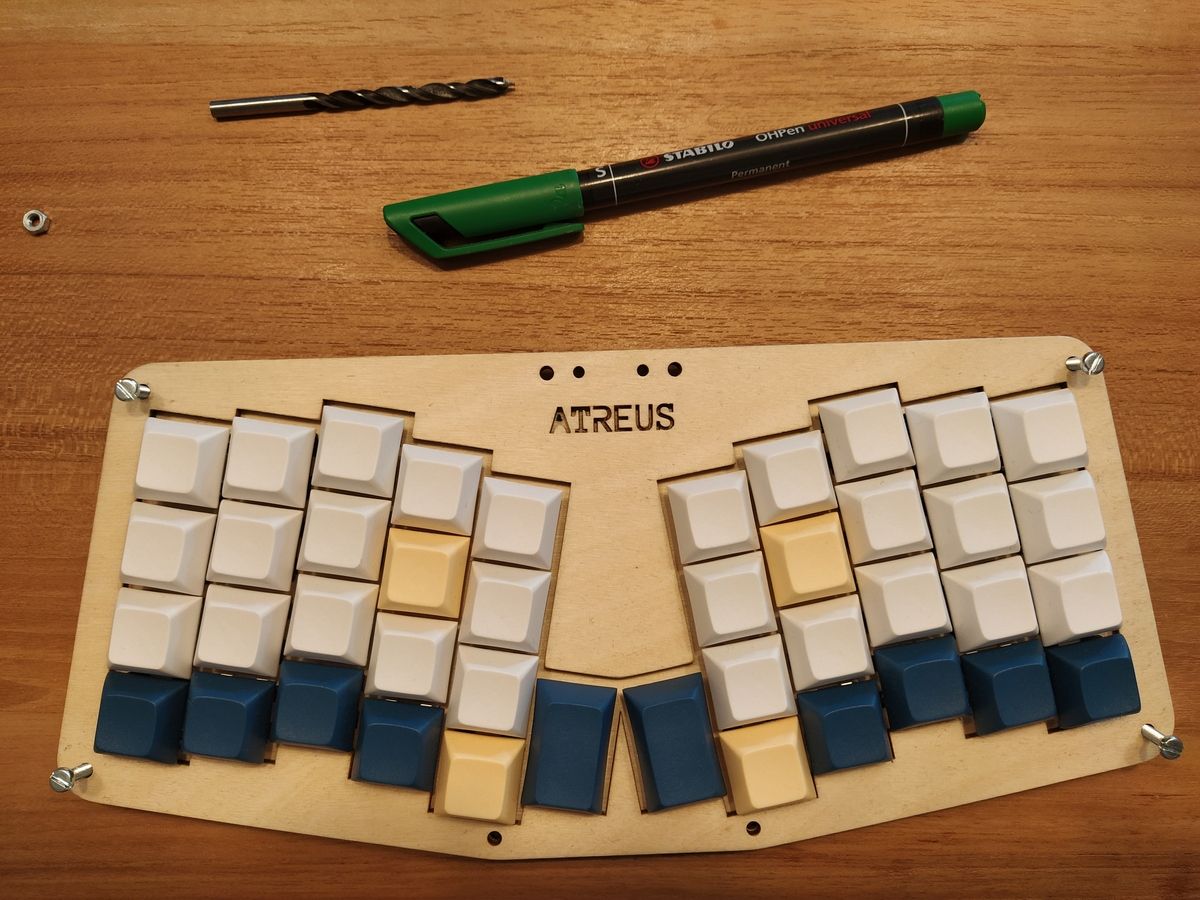
Marking where I need to drill on the second layer to open up under the ‘a’ of Atreus. The bolts are simply going through both layers to align them together.
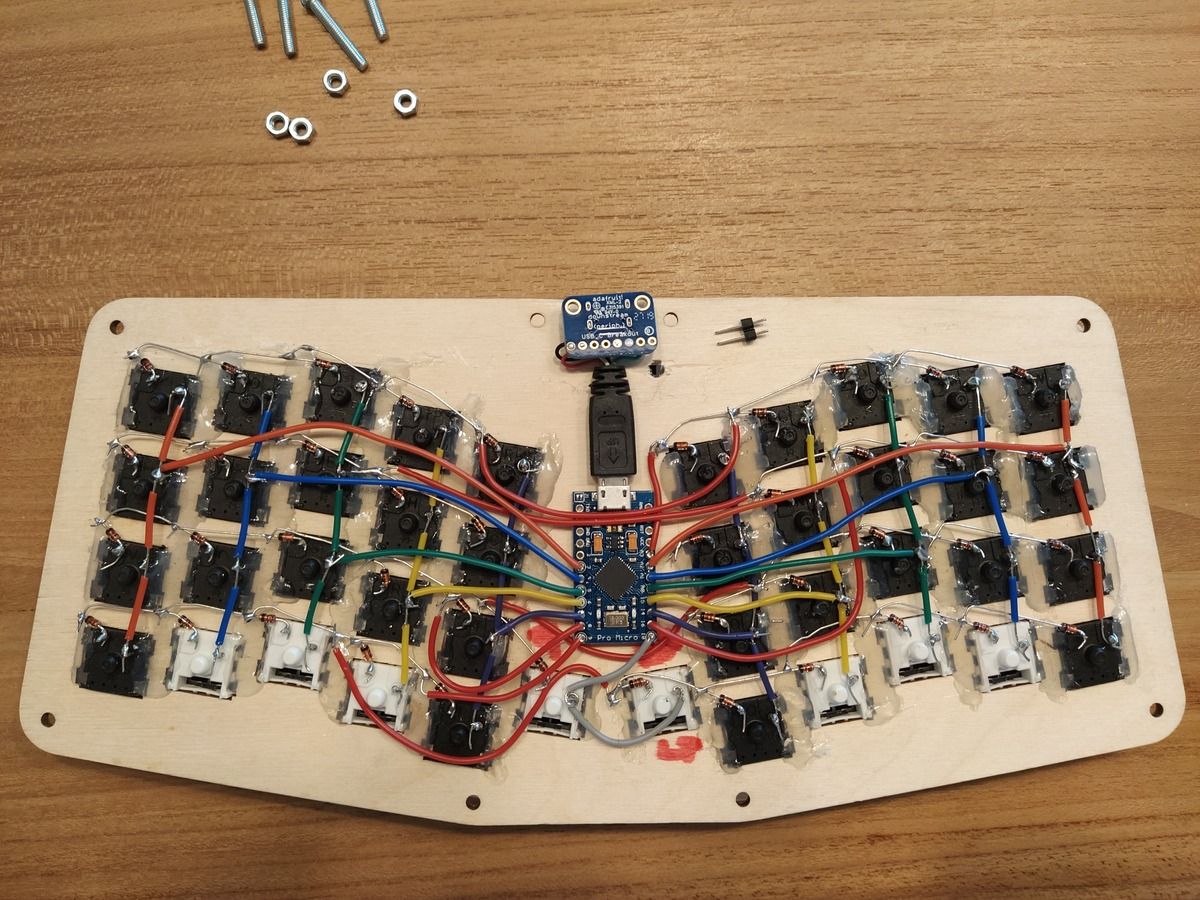
The hole appears right below the USB-C breakout board and is big enough to fit both pins.
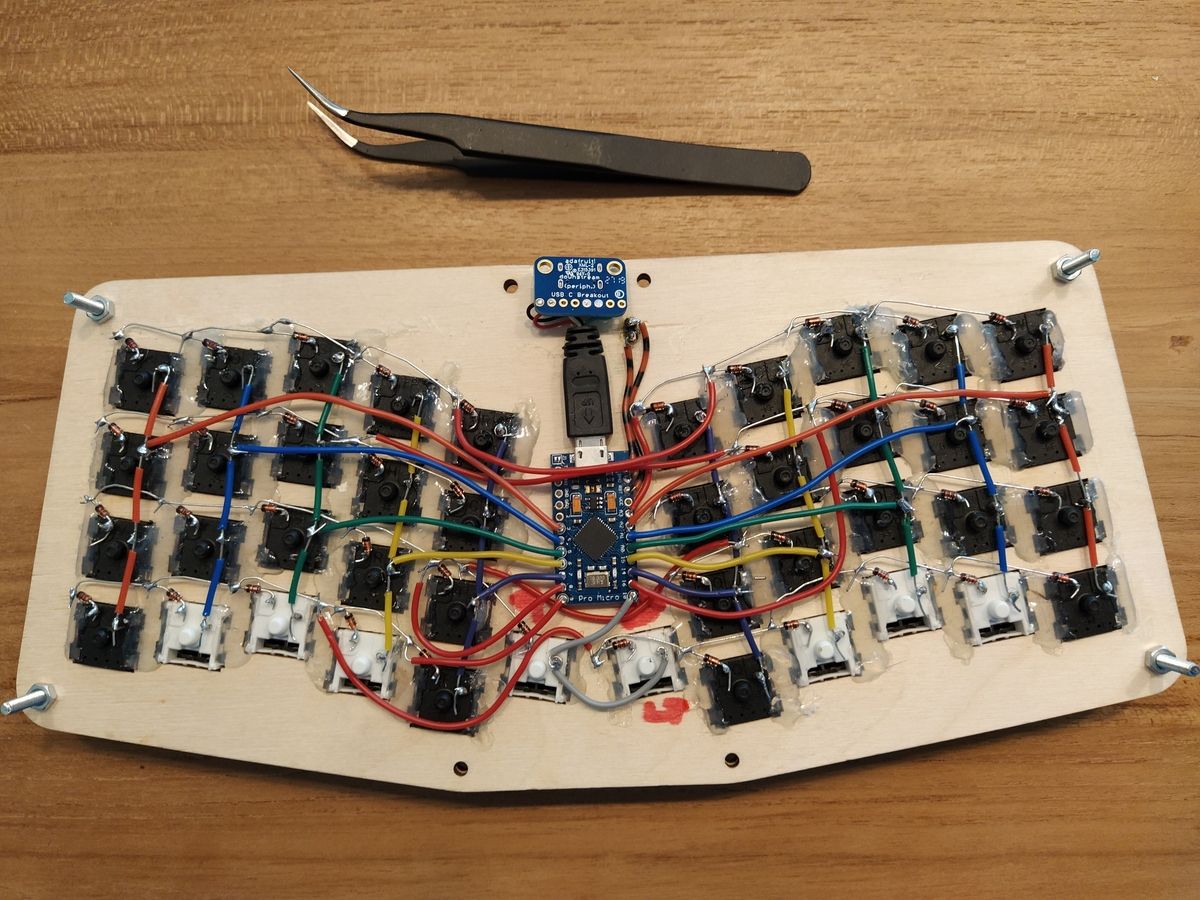
The reset pins soldered to RST and GND on the Pro Micro. (Note the last minute hand colouring of the wires to distinguish them from the ones used in the switches matrix.)
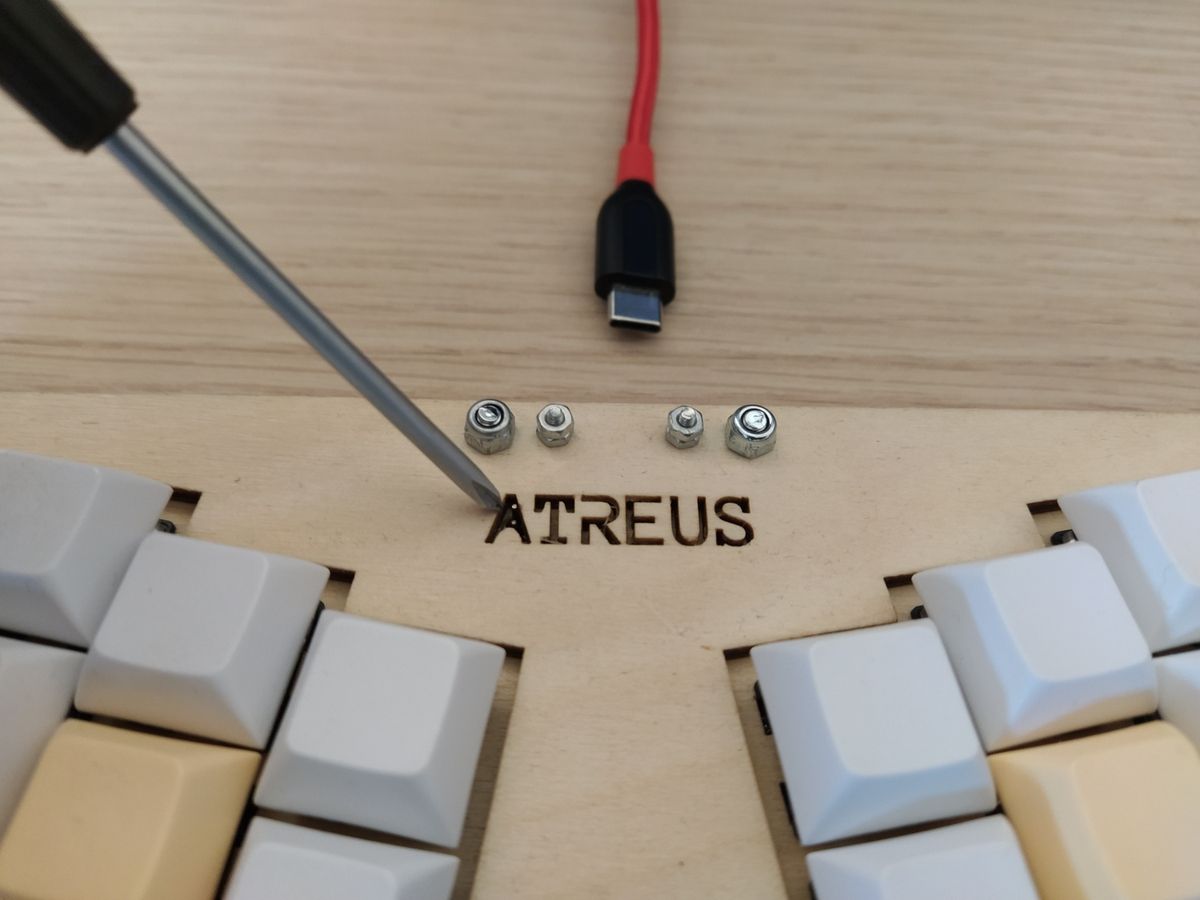
Hitting reset on the Pro Micro gets easier: short the two pins in the ‘a’.